Translate Text You Can't Select
OCR + translation anywhere on your screen. Works on games, images, video, and anything else.
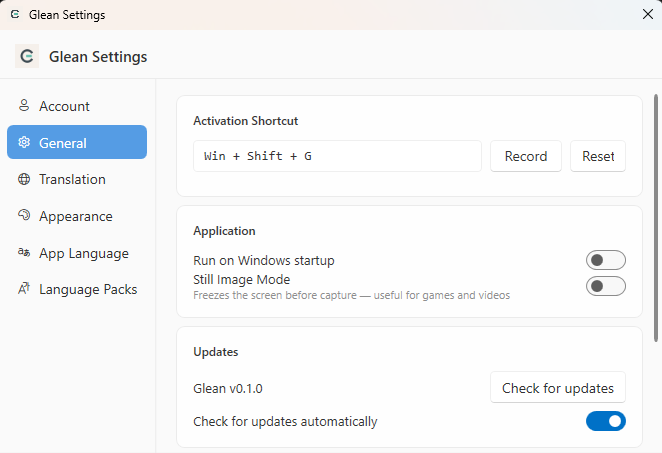
Press WinShiftG to activate — drag to select — done.
Why Glean?
Fast, private, and built for Windows. No configuration needed to get started.
Lightning Fast
OCR starts in under 500ms. Translation appears within 2–3 seconds. No waiting, no interruptions.
Private by Design
OCR processing is local. Extracted text is sent to the translation API — only text, never screenshots.
Select Anything
Works on any visible text — in games, images, PDFs, or locked UI elements that block normal selection.
50+ Languages
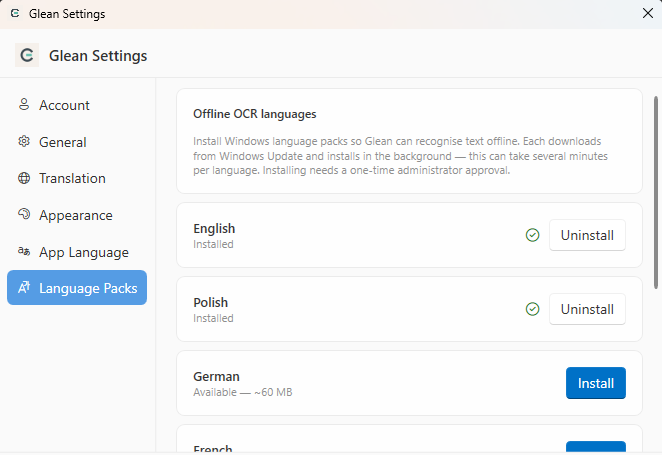
OCR and translation support for the world's major languages, including CJK and right-to-left scripts.
Windows Native
Built on Windows.Media.OCR. Lightweight, no background services, no telemetry.
Clipboard Ready
Extracted text goes straight to your clipboard. Paste anywhere with CtrlV.
How It Works
Three steps from screen to translated text.
Activate
Press Win Shift G to launch the overlay on every screen.
Select
Drag to draw a rectangle around any text you want — on any window or screen.
Done
Your translation is on the clipboard and displayed inline. The overlay closes automatically.
See It in Action
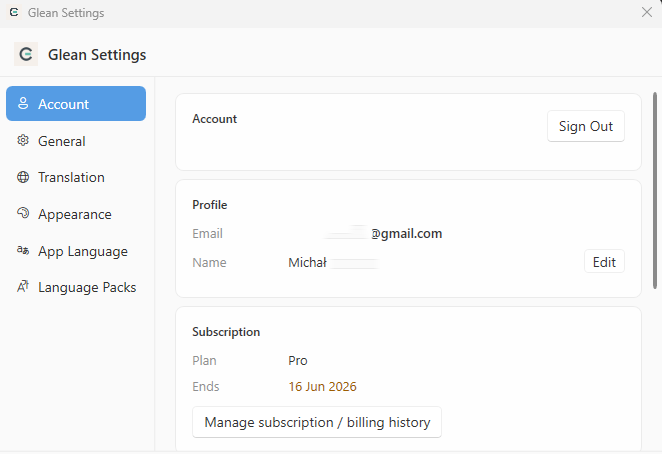
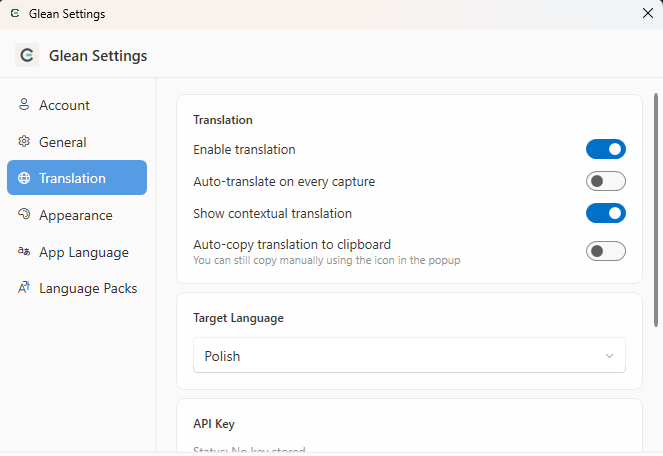
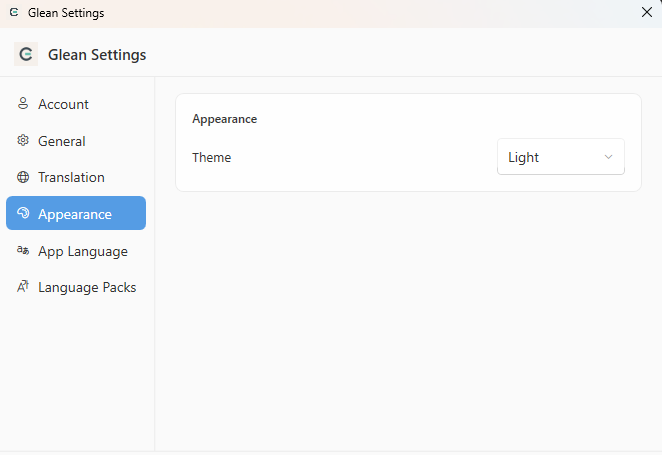
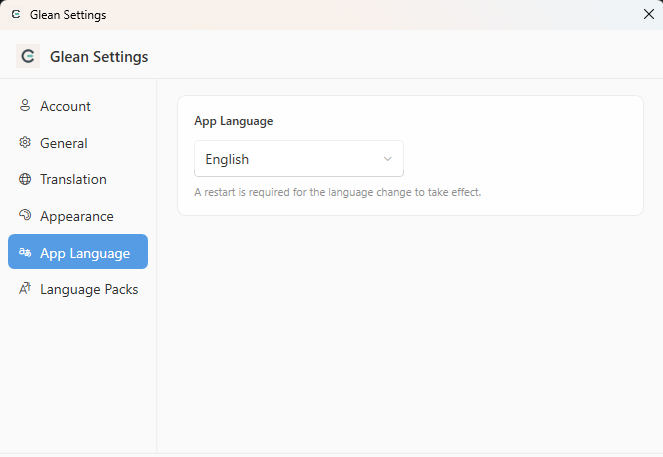
Real screenshots from the Glean app — capture, OCR, translate.
Unlock More with Pro
Remove ads and get the full toolkit for serious language learners and power users.
View Pro Plans- No ads
- Unlimited translations
- Translation history
- Extended translation (definitions & alternatives)
- Quiz & vocabulary practice
- Translation statistics dashboard
Ready to Try It?
Free for personal use. Get started in seconds.
Support the Project
Glean is built and maintained solo. Your support keeps development going and new features coming.